How Passkey Attacks Can Bypass Your Security, Even When It's Supposed to Be "Phishing-Resistant"
Exploring recent research on passkey attacks that can bypass phishing-resistant multi-factor authentication by recovering synced private keys and exploiting cloud-synced implementations.
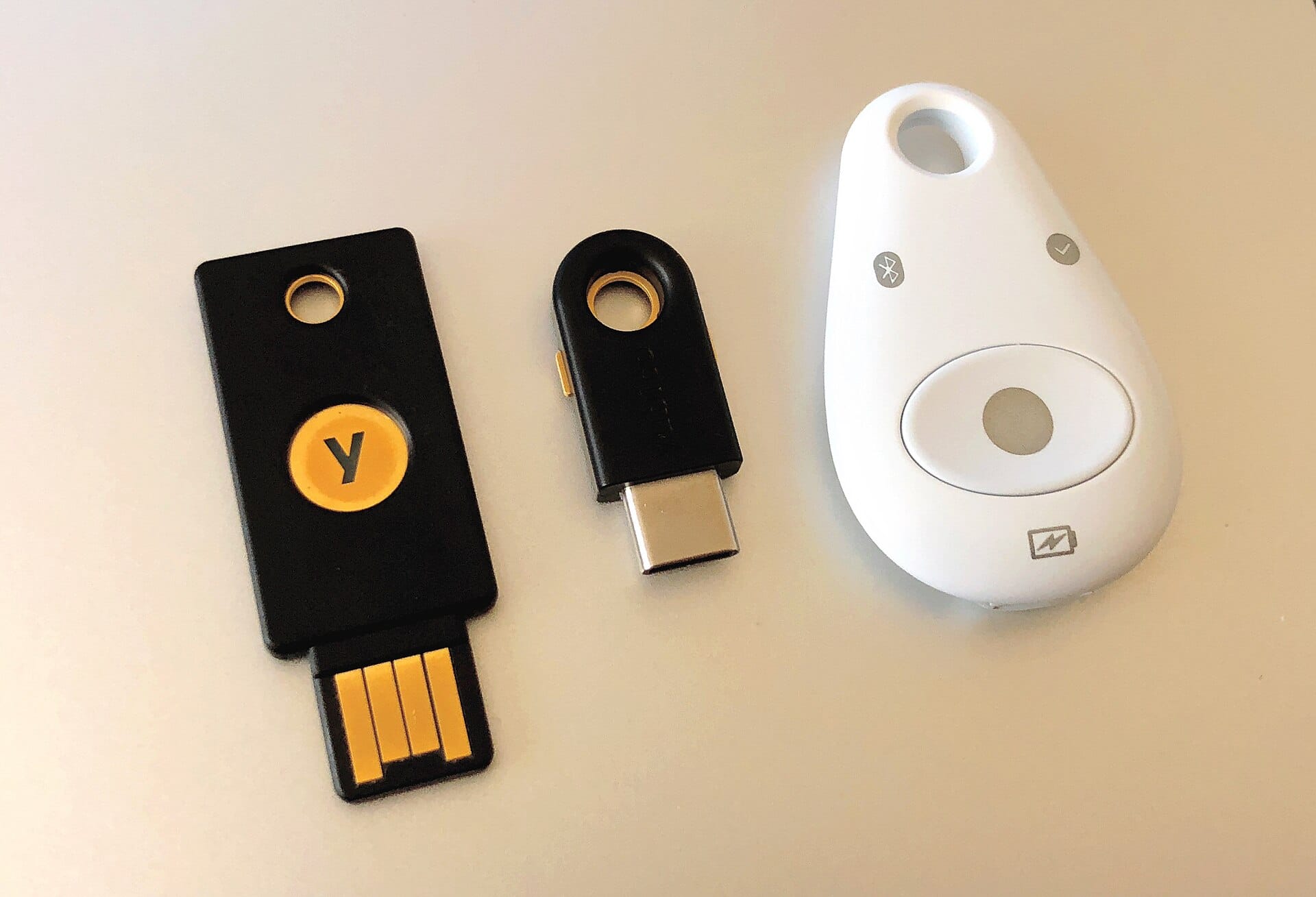

You've probably heard about passkeys as the new way to replace passwords. They're supposed to be super secure and even protect you from phishing attacks - where hackers try to trick you into giving up your login information.
But here's the surprising truth: researchers have discovered ways that attackers can still get around passkey security, especially when passkeys are synced across devices or used with certain systems.
What Are Passkeys?
Passkeys are like a digital version of your house key. Instead of using a password that you type in, you use something unique to your device - like your fingerprint, face recognition, or a physical security key. This makes them much harder for hackers to steal.
The idea is that even if someone gets your password, they still can't get into your account because they don't have your passkey.
The Security Promise
Passkeys were designed with one big promise: phishing resistance. This means they should be virtually impossible for hackers to trick you into giving up through phishing emails or fake websites.
When you log in, the system asks you to verify your identity using your passkey. It's supposed to be so secure that even if a hacker tricks you into visiting their fake website, they still can't get your account information because they can't bypass your passkey.
The Problem: Synced Passkeys
The issue comes when you use synced passkeys - where your passkey is stored on your phone and also backed up to the cloud (like Google's password manager or Microsoft's cloud).
How Attackers Exploit This
Security researchers found three main ways these attacks work:
1. The Chrome Memory Attack
When you create a new passkey in Google Chrome, some secret information gets stored temporarily in the browser's memory. Attackers can access this memory and extract the private key that allows them to recover your synced passkeys.
2. The Windows Hello Attack
On Windows devices, attackers can use Windows Hello (which is part of the authentication system) to trick the system into revealing information they shouldn't have access to.
3. Google Password Manager Attack
Attackers can steal the master key from Google's password manager, which then allows them to decrypt your synced passkey records and get all your private keys.
Real-World Example
Let's say you're a business user who uses Microsoft's Entra ID (the cloud service for managing access) and syncs your passkeys to the cloud. An attacker with malware on your computer could:
- Steal the master key from Google or Microsoft
- Use that key to decrypt your synced passkey information
- Recover all your private keys
The following diagram illustrates the attack chain described above:
flowchart LR
    A[Malware on Computer] --> B[Steal Master Key from Google or Microsoft]
    B --> C[Decrypt Synced Passkey Information]
    C --> D[Recover All Private Keys]
    D --> E[Impersonate User in Any System]
This means they can impersonate you in any system where you use those passkeys, even if you're not actively using your device.
Why This Matters
This isn't just a theoretical concern. Security researchers have demonstrated these attacks in real-world scenarios, showing that:
- You can bypass phishing-resistant MFA without breaking the cryptography
- Synced passkey systems create vulnerabilities that attackers can exploit
- The security of your passkeys depends not just on the technology itself, but also how they're stored and managed
What You Can Do to Protect Yourself
While these attacks show some limitations in current implementations, here are ways to protect yourself:
1. Avoid Synced Passkeys When Possible
If you can, don't sync your passkeys across devices. Keep them local to one device only.
2. Use Hardware Security Keys
Instead of relying on phone-based passkeys, use physical security keys that store the private key in a secure hardware chip separate from your computer.
3. Be Aware of Your Environment
Keep your devices clean and malware-free. Malware is often the first step in these attacks.
4. Monitor Your Accounts
Regularly check your account activity for unusual behavior.
The Bigger Picture
This research shows us that even the most promising security technologies have vulnerabilities when they're implemented in complex real-world environments. It's not that passkeys are bad - they're actually a huge improvement over passwords. But like any technology, they need to be used carefully and properly understood.
The security community is now working on fixes to these issues, but it's important for users to know about them so they can make informed decisions about how they use passkey systems.
Conclusion
Passkeys are an important step forward in digital security. They're much better than passwords and provide strong protection against many common attacks. However, the recent research shows that even phishing-resistant systems aren't immune to certain types of attacks when additional complexity is added through cloud syncing or device-specific implementations.
The key lesson here is that security is about layers - no single technology provides perfect protection. It's important to understand both what your security tools do well and where they might have weaknesses so you can make smart choices about how to use them.
As these vulnerabilities are discovered and fixed, the overall security of passkey systems will improve. But for now, being aware of these potential attack vectors is crucial for anyone who uses synced passkeys or phishing-resistant MFA in their work or personal accounts.
Feature image: Tony Webster from Minneapolis, Minnesota, United States / CC BY 2.0 / Wikimedia Commons.
