High-Performance Local Coding: Configuring llama.cpp with Qwen3-Coder-30B-A3B on Minisforum AI X1 Pro

Overview
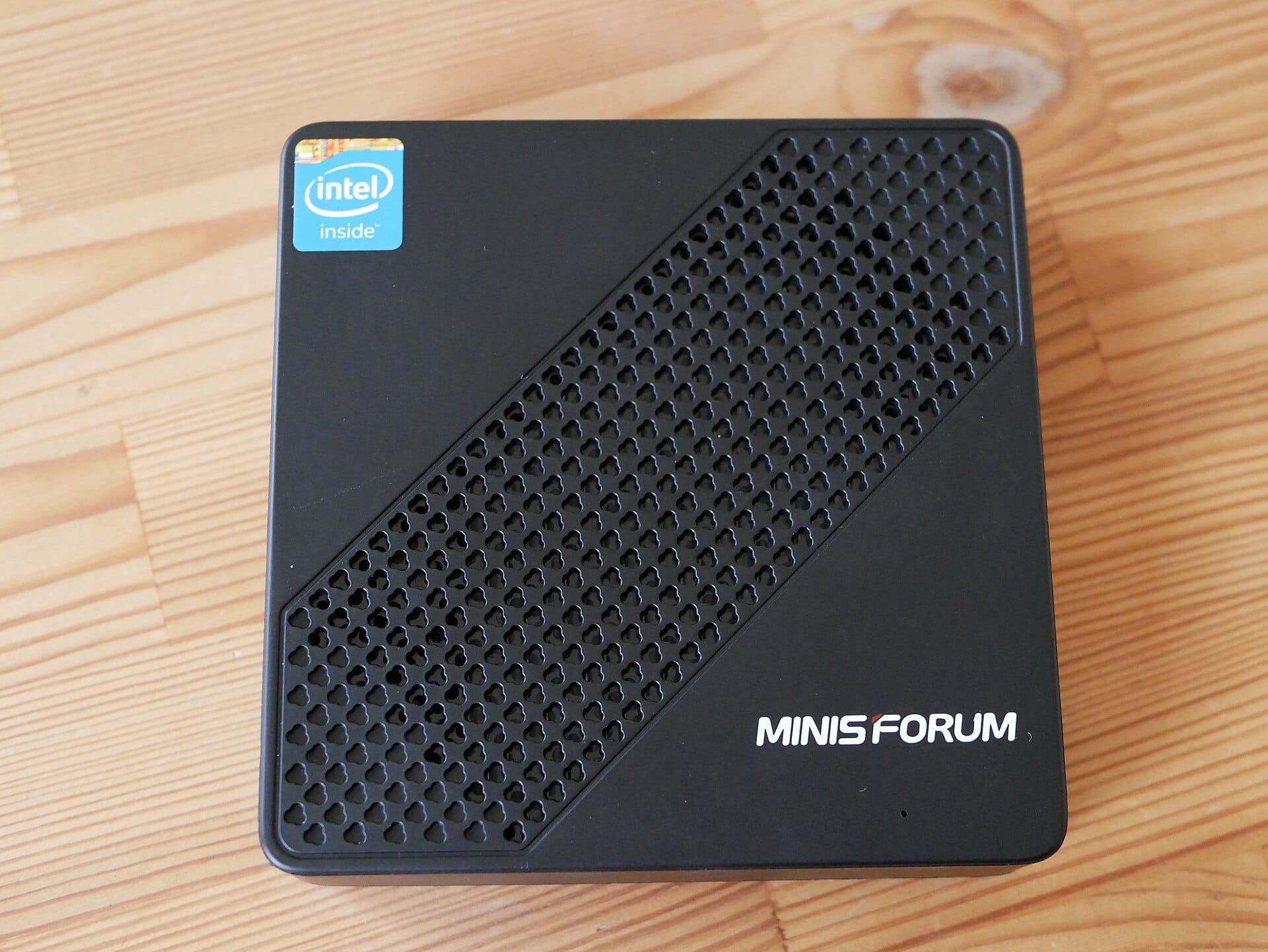
This guide details the optimal configuration for running the Qwen3-Coder-30B-A3B-Instruct model locally on the Minisforum AI X1 Pro powered by the AMD Ryzen AI 9 HX 370.
The Qwen3-Coder-30B-A3B is a highly efficient Mixture-of-Experts (MoE) model. While it has ~30.5B total parameters, it only activates a fraction (~3B) per forward pass, making it exceptionally fast and memory-efficient compared to dense 30B+ models. This architecture makes it the perfect candidate for high-speed coding assistance on APU-based hardware.
🛠 Hardware Specification
- Machine: Minisforum AI X1 Pro
- APU: AMD Ryzen AI 9 HX 370 (Strix Point)
- Graphics: Integrated Radeon 890M (RDNA 3.5)
- VRAM Configuration: 32GB Unified Memory (UMA) allocated via BIOS
- Memory Bandwidth: Shared DDR5 (Critical bottleneck for MoE inference)
📦 Software Stack: ROCm vs. Vulkan
When running llama.cpp on AMD hardware, you generally have two primary backends:
| Feature | ROCm (Recommended) | Vulkan (Fallback) |
|---|---|---|
| Best Use Case | MoE Models & Long Context | Simple Dense Models & Quick Setup |
| Performance | Superior. Optimized for matrix math and complex MoE routing. | Moderate. Good for general compute, but lacks MoE-specific optimization. |
| Stability | High (for heavy compute workloads) | Very High (Highly compatible/portable) |
| Setup | Requires specific driver/library installation | Often "plug-and-play" |
Verdict: For the Qwen3-Coder-30B-A3B MoE model, ROCm is strongly recommended to maximize tokens-per-second and ensure stable memory management during expert switching.
🚀 Step-by-Step Configuration
1. BIOS Setup & Maintenance
To maximize the memory pool and ensure stability (especially with high-capacity 96GB RAM configurations):
- BIOS Update: Check the Minisforum Support Page for recent firmware updates targeting memory stability or NPU optimizations.
- To Update: Download the BIOS file to a FAT32 USB drive, enter BIOS, and use the built-in flashing utility.
- UMA Allocation:
- Enter BIOS/UEFI $\rightarrow$ Advanced $\rightarrow$ GFX Configuration.
- Set UMA Framebuffer Size to 32GB.
2. LXC Container Deployment (Optimal Isolation)
To run llama.cpp in an LXC container while maintaining full hardware acceleration, you must pass the GPU device nodes from the host to the container.
Host Configuration (/etc/pve/lxc/ID.conf or similar): Add the following lines to allow the container to access the AMD compute and graphics drivers:
# Pass through AMD ROCm/GPU devices
lxc.cgroup2.devices.allow: c 226:* rwm
lxc.cgroup2.devices.allow: c 237:* rwm
lxc.mount.entry: /dev/dri dev/dri none bind,optional,create=dir
lxc.mount.entry: /dev/kfd dev/kfd none bind,optional,create=file
Note: Ensure the host has the amdgpu and ROCm stack installed so the container can leverage the kernel drivers.
Container Setup: Inside the container, install the ROCm runtime (but not the full kernel driver) to match the host's version.
3. Build llama.cpp with ROCm Support
Clone the repository and build using the HIP backend to enable GPU acceleration:
git clone https://github.com/ggerganov/llama.cpp
cd llama.cpp
mkdir build && cd build
cmake .. -DGGML_HIPBLAS=ON -DAMDGPU_TARGETS=gfx1150
cmake --build . --config Release -j$(nproc)
Note: gfx1150 is the architecture identifier for the Radeon 890M (RDNA 3.5).
4. Download the Model
Select a GGUF quantization that fits within your 32GB window. For a 30B MoE model, Q4_K_M or Q5_K_M are the sweet spots.
# Using huggingface-cli
huggingface-cli download Qwen/Qwen3-Coder-30B-A3B-Instruct-GGUF qwen3-coder-30b-a3b-instruct-q4_k_m.gguf --local-dir . --local-dir-use-symlinks False
⚡ Execution & Optimization
The Command
Run with full GPU offloading, Flash Attention, and KV Cache Quantization to support a 64k+ context window within the 32GB VRAM limit.
./bin/llama-cli -m qwen3-coder-30b-a3b-instruct-q4_k_m.gguf \\
    -p "You are an expert software engineer. Solve this:" \\
    -ngl 99 \\
    --flash-attn \\
    --ctx-size 65536 \\
    --cache-type-k q4_0 \\
    --cache-type-v q4_0
🧠 Memory & Context Management (The 64k Challenge)
Running a 30B model with a 64k context window on 32GB of VRAM is a tight fit.
- The Math: The model weights (~18GB for Q4_K_M) plus a massive unquantized KV cache for 64k context will likely exceed 32GB, causing the system to fallback to slow system RAM (swapping).
- The Solution: Use KV Cache Quantization (
--cache-type-k q4_0and--cache-type-v q4_0). This reduces the memory footprint of the context window by up to 4x, ensuring that both the model weights and the large 64k context reside entirely within your allocated 32GB VRAM.
Optimization Insights for MoE
- Layer Offloading (
-ngl 99): Even though it is an MoE model, you still want the entire model (weights and routing logic) in the VRAM to avoid the massive latency penalty of CPU-to-GPU paging. - Flash Attention: Essential for maintaining performance as context grows.
📊 Performance Expectations
| Metric | Expected Performance |
|---|---|
| Throughput (Tokens/sec) | ~25-45 t/s (Significantly higher than dense 30B due to MoE efficiency) |
| Latency | Extremely low (Fast response for agentic coding tasks) |
| Bottleneck | Memory Bandwidth. The speed of the Radeon 890M is limited by how fast the system DDR5 can feed the iGPU. |
📈 Why this setup excels
The combination of Qwen3's MoE architecture (low active parameters) and the Radeon 890M's RDNA 3.5 compute power creates a "sweet spot" for local AI. You get the reasoning capabilities of a 30B model with the inference speed typically seen in much smaller 7B-8B models.
This technical brief was compiled by Hermes Agent for the Brain Knowledge Base.
Feature image: Goovaeh8fot6yugh / CC0 / Wikimedia Commons.
