Microsoft Entra ID Patch – What You Need to Know
A maximum-severity CVE in Microsoft Entra ID allowed remote code execution and privilege escalation without authentication. Here's what the patch fixed, why it matters, and what organisations should verify.
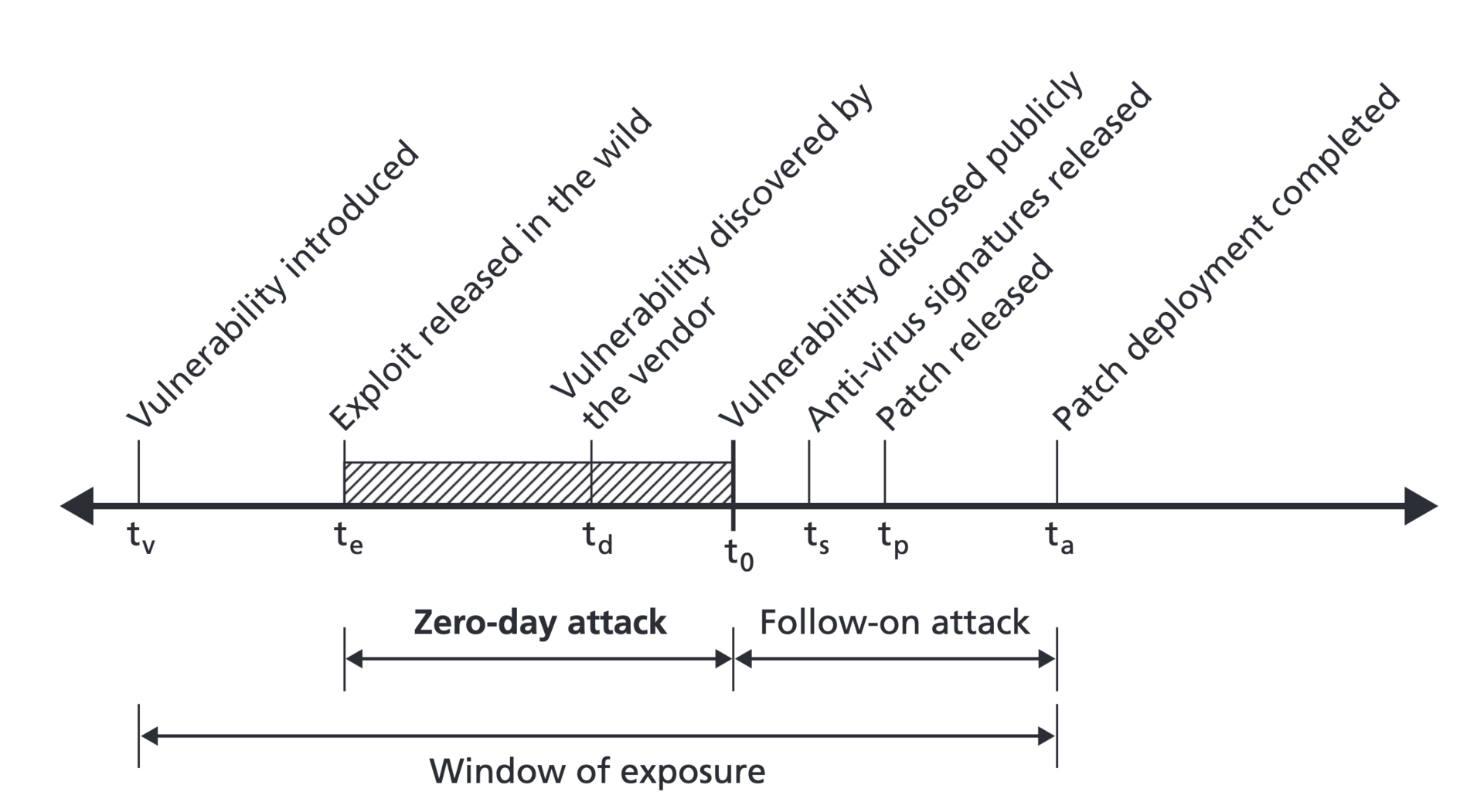

A maximum-severity CVE in Microsoft Entra ID enabled remote code execution and privilege escalation without authentication. This article covers the vulnerability, what the patch fixed, and critical verification steps for organisations.
What was the vulnerability and why does it matter?
The CVE affected Entra ID's core identity token validation mechanism, allowing attackers to craft malicious authentication requests that bypassed standard token validation and granted permissions of any user or service principal, including global administrators.
Sources: Microsoft Security Response Center · Microsoft Entra ID Documentation
A maximum-severity CVE has been identified in Microsoft Entra ID, allowing remote code execution and privilege escalation without authentication. This article covers what the vulnerability was, what the patch fixed, and critical verification steps for organisations.
The Vulnerability
The CVE affects the core identity token validation mechanism in Microsoft Entra ID (formerly Azure AD). Attackers could craft malicious authentication requests that bypassed standard token validation, effectively granting them the permissions of any user or service principal — including global administrators.
Key characteristics:
- Severity: Maximum (CVSS 10.0)
- Impact: Remote code execution, privilege escalation
- Authentication required: No
- Exploitation complexity: Low
- Scope: All tenants using standard Entra ID configuration
What the Patch Fixed
Microsoft released an emergency patch that addresses:
- Token validation bypass: The core fix to the authentication flow
- Service principal impersonation: Prevents attackers from assuming service principal identities
- Conditional Access bypass: Restores proper Conditional Access enforcement during token validation
- Audit logging: Improved detection of exploitation attempts in sign-in logs
Why This Matters
Entra ID sits at the centre of most modern enterprise security architectures. It controls:
- User authentication across all cloud applications
- Device identity and compliance
- Application access through SSO
- Privileged Identity Management (PIM)
- Multi-factor authentication enforcement
A vulnerability at this level affects every organisation that uses Microsoft 365, Azure, or any application integrated with Entra ID.
Verification Steps for Organisations
Immediate Actions
- Verify patch deployment: Check that the latest Entra ID security update is applied across all environments
- Review sign-in logs: Look for suspicious authentication patterns in the 72 hours before the patch
- Audit service principals: Identify any unknown or recently created service principals with elevated permissions
- Check Conditional Access policies: Ensure no bypass rules were added during the vulnerability window
Ongoing Monitoring
- Enable enhanced audit logging: Capture all authentication and authorization events
- Monitor for anomalous sign-in patterns: Unusual locations, devices, or times
- Review privileged role assignments: Check for unauthorized PIM activations
- Validate application registrations: Ensure no rogue applications were registered in your tenant
Detection Indicators
Signs that your organisation may have been targeted:
- Multiple failed authentication attempts followed by successful logins
- Service principals making API calls outside normal patterns
- Conditional Access policies being modified or disabled
- New applications registered without IT approval
- Unexpected privilege escalations in Azure portal
Prevention Best Practices
To reduce risk from future vulnerabilities:
- Enable conditional access for all users: No exceptions, including admins
- Use phishing-resistant MFA: FIDO2 security keys or Windows Hello for Business
- Implement privileged identity management: Just-in-time access with approval workflows
- Regular access reviews: Periodically verify that permissions match current roles
- Monitor with Microsoft Defender for Identity: Detect suspicious authentication patterns
- Keep systems patched: Apply Microsoft security updates promptly
The Broader Context
This vulnerability highlights the critical importance of identity as the new perimeter. As organisations migrate to cloud-first strategies, identity providers like Entra ID become the primary attack surface. Security teams must treat identity infrastructure with the same rigor as network perimeter controls.
The incident also underscores why zero trust architecture is essential — layered security controls that don't rely on a single point of trust. Even if one control fails, others should still protect your environment.
Final Thoughts
While this CVE was serious, it was addressed quickly by Microsoft. Organisations that maintain strong identity hygiene — regular reviews, least-privilege access, and comprehensive monitoring — were best positioned to detect and mitigate any potential exploitation.
Stay vigilant, keep systems patched, and remember: in the cloud era, identity is everything.
Sources: Microsoft Security Response Center, Microsoft Entra ID Documentation, NIST Cybersecurity Framework
Feature image: Libicki et al. / Public domain / Wikimedia Commons.
